Docs
Instances


Instances
Every run of your K-Net workflows — running, finished or failed — with schedules, batch actions and history.
Instances shows the runs of your K-Nets. Every K-Net run is a durable workflow instance; here you see its status, inputs, every step and its result.
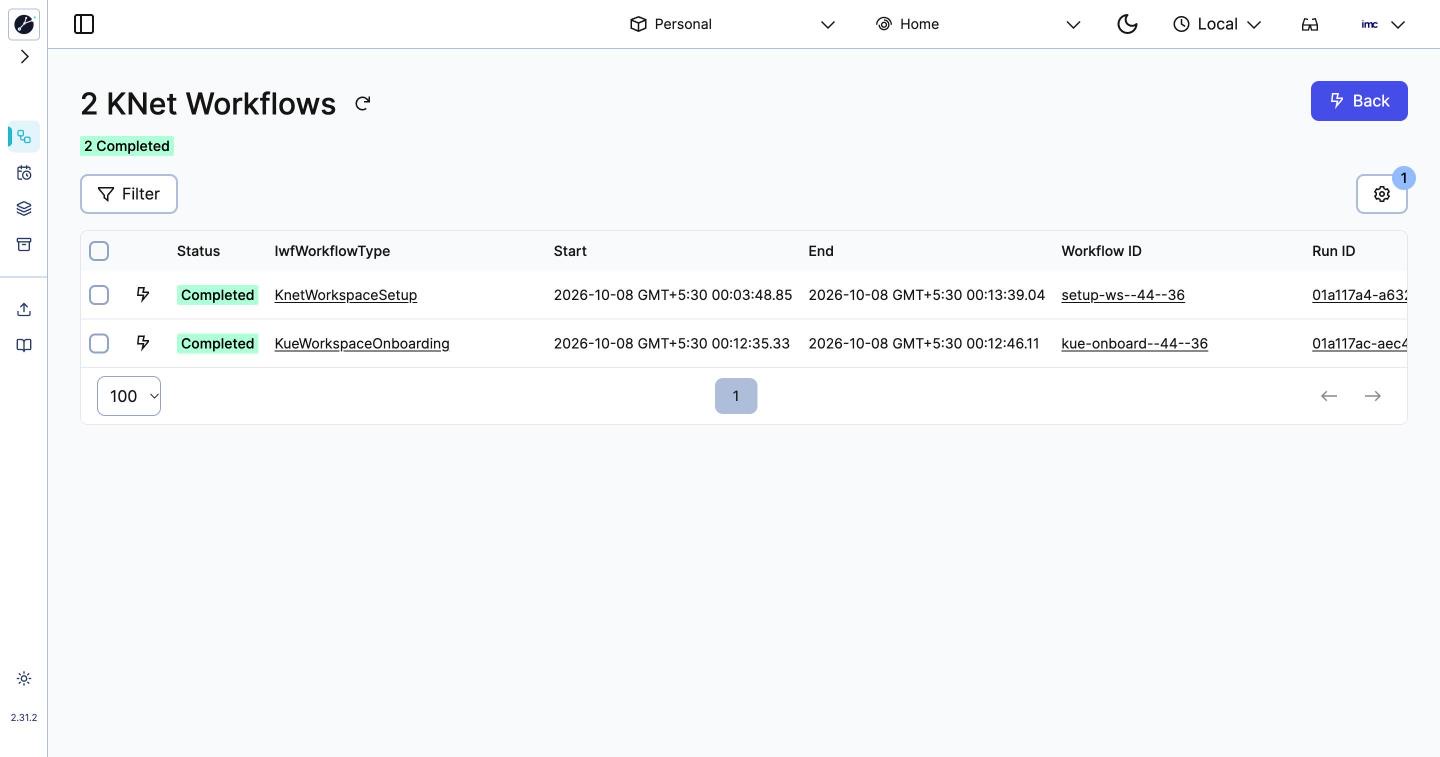
Pages
| Page | What it is for |
|---|---|
| KNet Workflows | Running and finished workflow instances. Filter by status, type or time; open one to see its event history |
| Schedules | Workflows that start on a schedule. Create Schedule adds one |
| Batch | Act on many workflows at once: cancel, terminate, reset |
| Archive | Workflows kept after their retention ended |
| Import | Load an event history file to inspect it |
| Docs | Documentation for the Instances screens |
Instances always shows the workspace you chose in the top bar.
Typical tasks
- Find why a K-Net run failed: open the run, then the failed step in its event history.
- Check that the workspace's setup ran: the first visit to a workspace starts two workflows, KnetWorkspaceSetup and KueWorkspaceOnboarding.